Back to main
Downloading the Technical Summary
Learn where to download a design’s technical summary, including its colour card, on the Twinbru Portal.
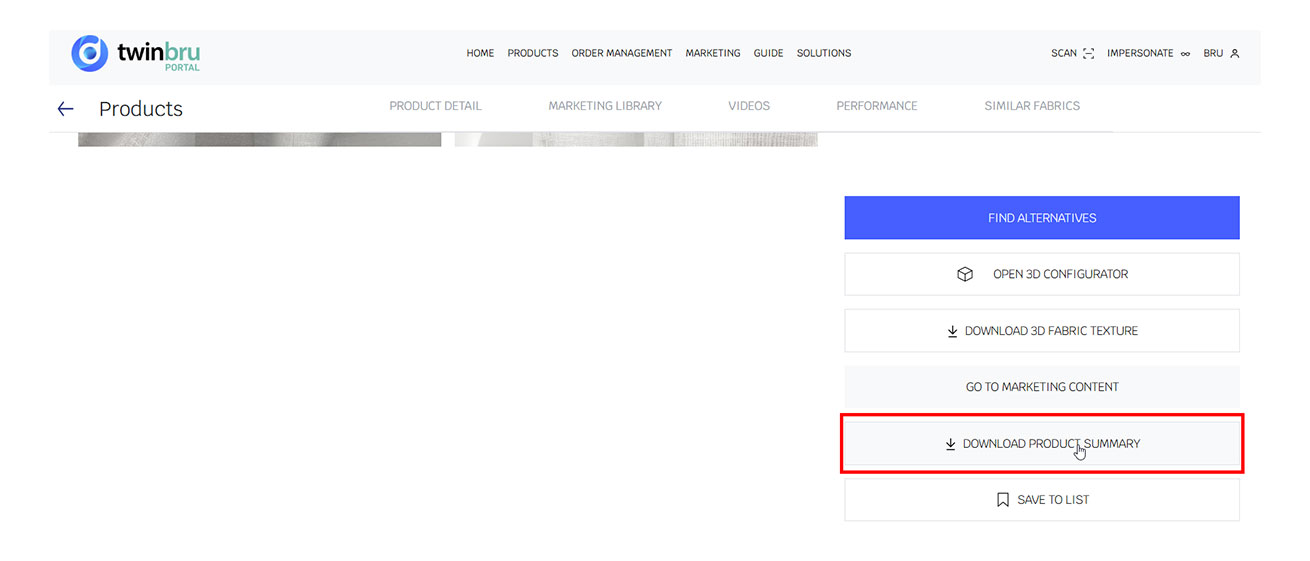
To find a quick-reference document, click the Download Product Summary button to start the download.
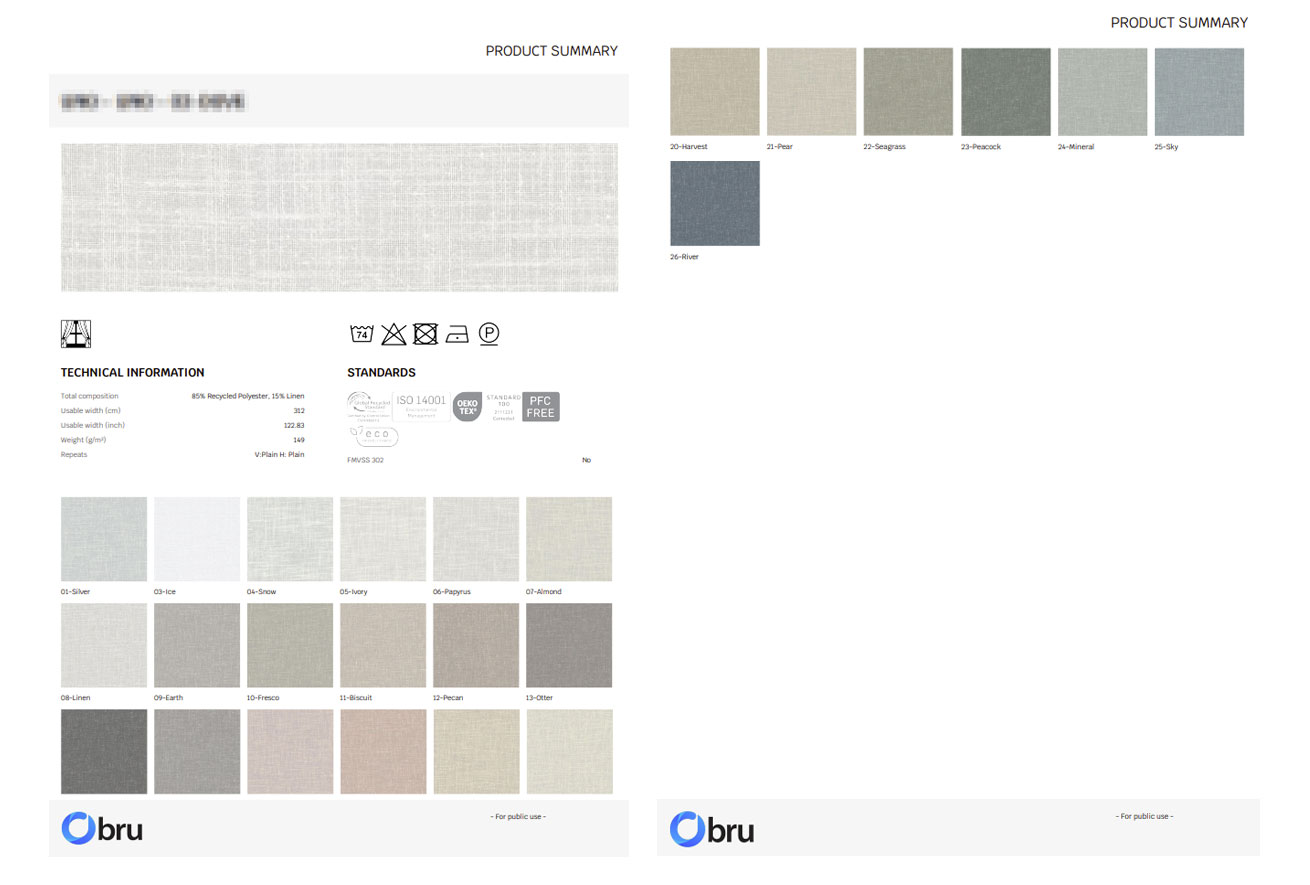
This generates a summary of the product’s most important technical information, including End Use Standards, Wash Codes, and all available colour options.
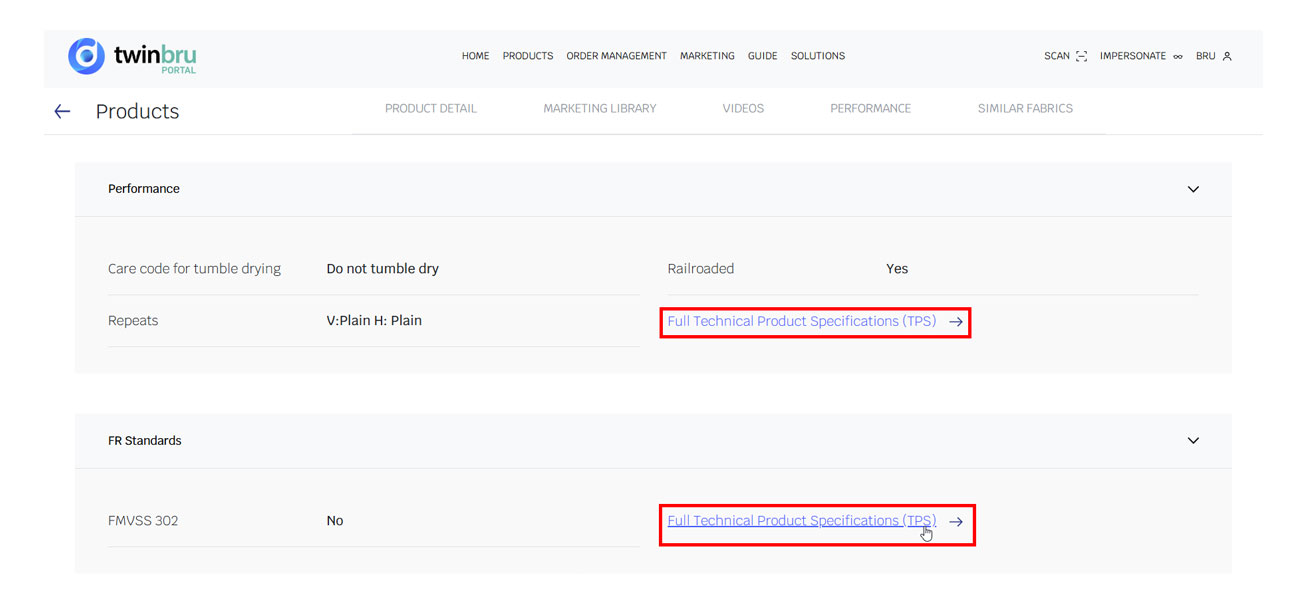
Access Full Product Details via Full Technical Specification (TPS)
Learn how to find, review, and download full technical specifications for products on the Twinbru Portal.
To view complete product information, click Full Technical Specification (TPS) in the Product Information section.
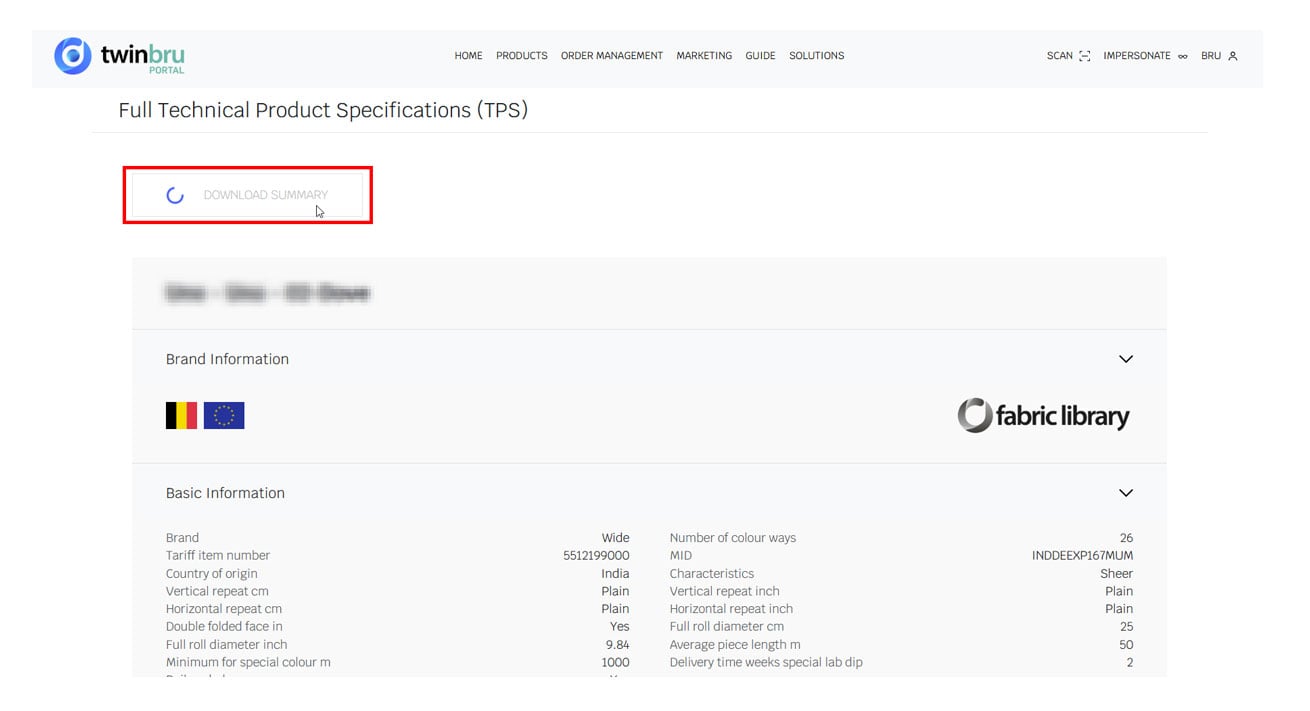
You will be redirected to the Technical Specification page. From there, click Download Summary to generate a comprehensive overview of the product’s technical information and available test reports.
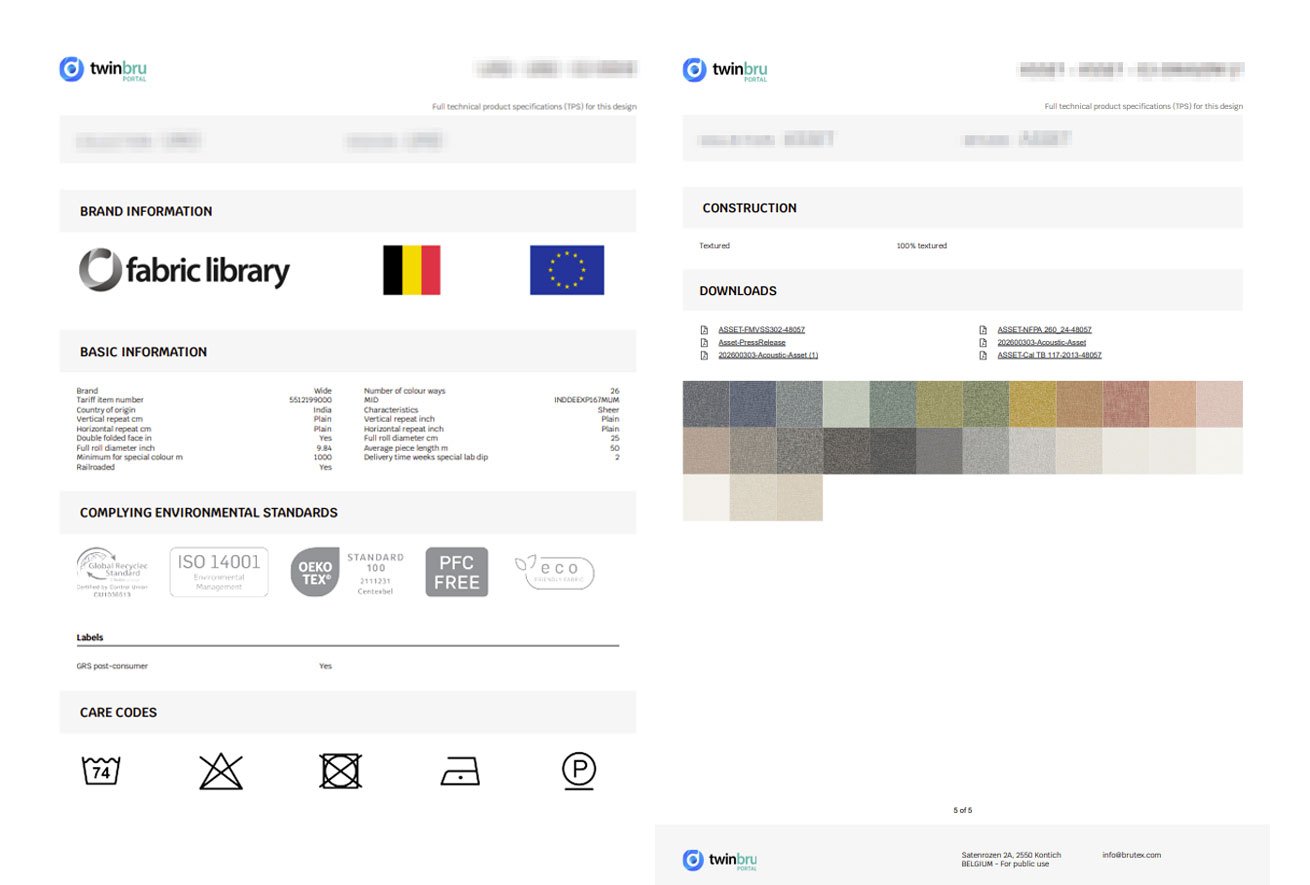
Download Test or FR Standards Certificates
This guide explains how to download test certificates and FR (Flame Retardant) standards certificates for a product on the Twinbru Portal. These documents provide official proof that a product has passed relevant testing and complies with specific fire safety and performance standards. You can access them in two ways:
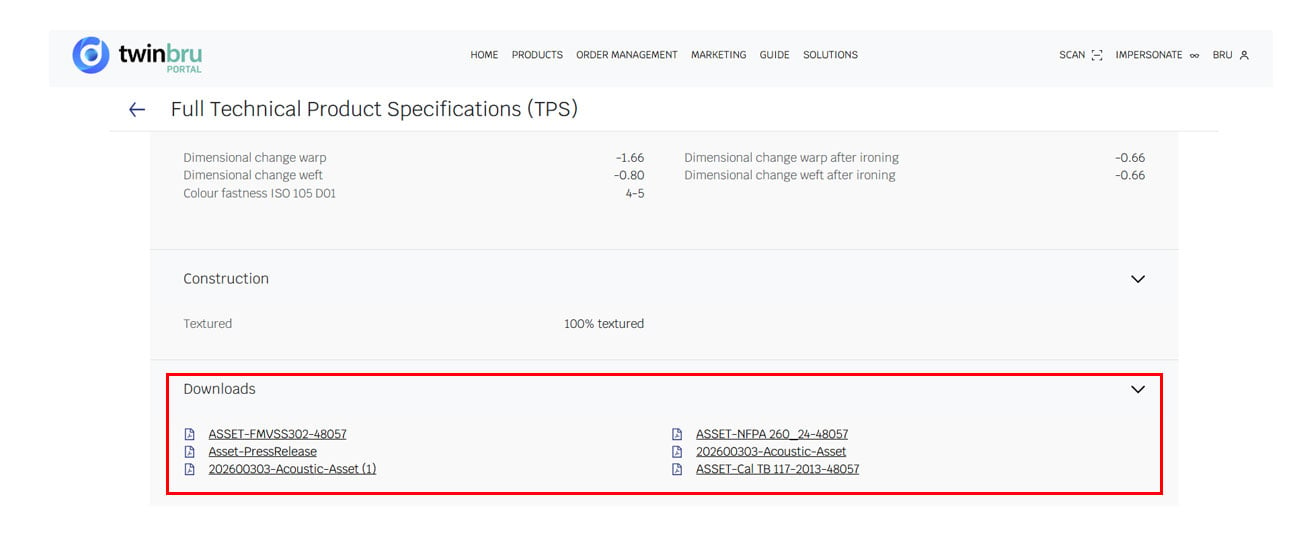
From the Technical Specification Page – Open the product's Technical Specification page and locate the certificates section. Click on the relevant certificate to download it directly.
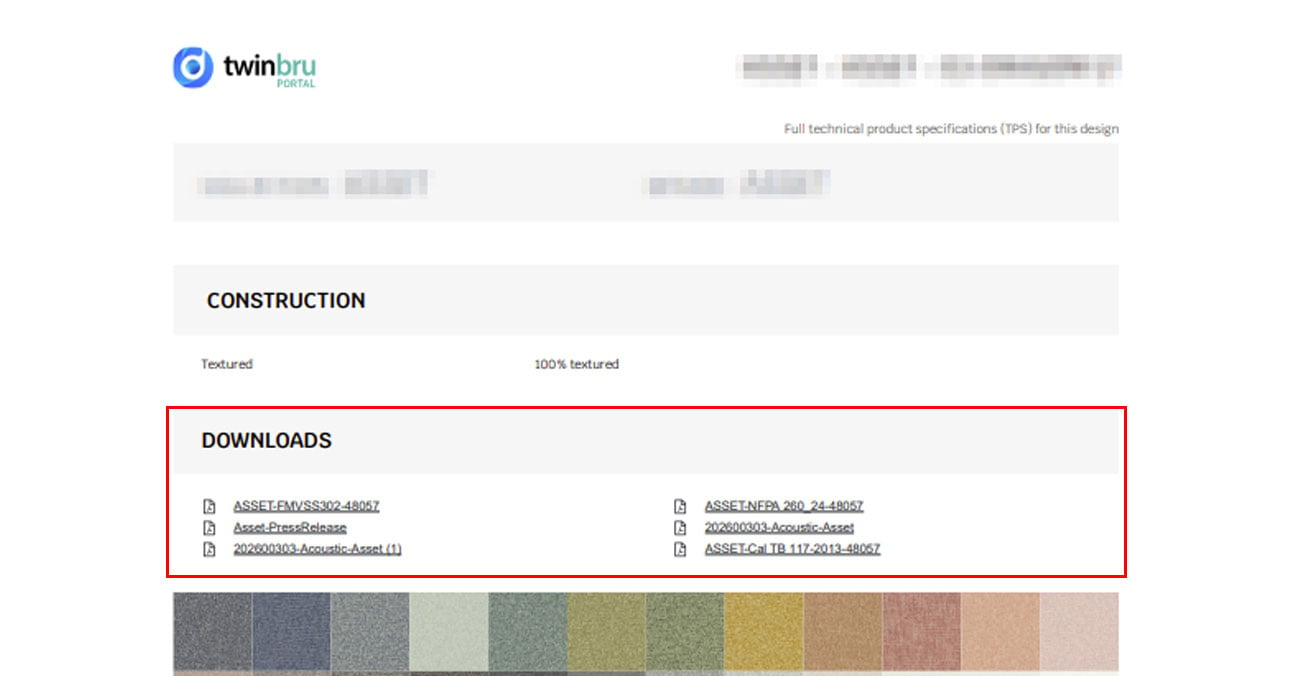
From the Full TPS PDF – Download the Full Technical Specification (TPS) PDF, which contains a complete overview of the product's technical data. Test and FR standards certificates are included or referenced within this document.