Back to main
*Please note that order management page is only available for user roles such as Purchaser, Administrator or Agent who holds multiple account.
The Order management module enables to follow up pending orders and view details of your orders and invoices.
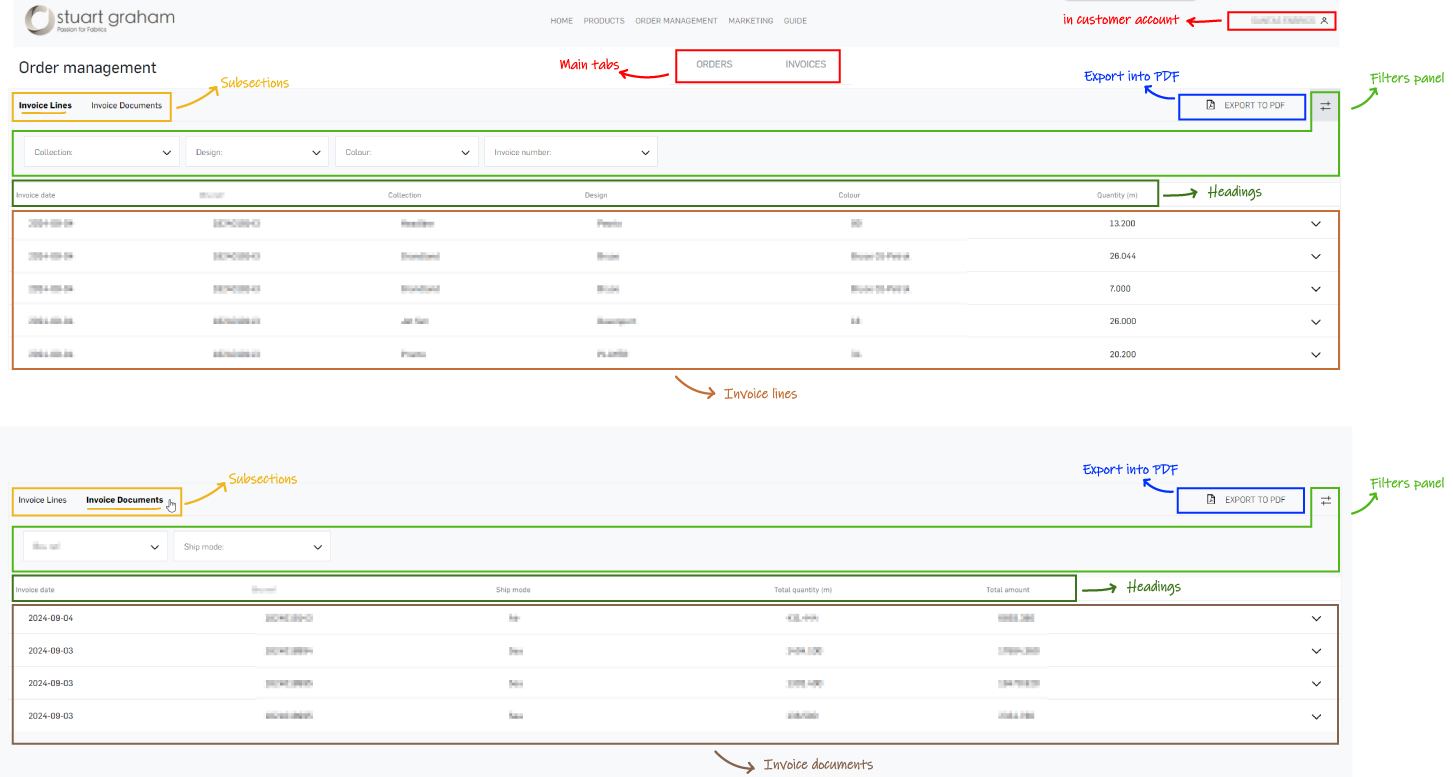
Here's an overview of invoices module:
- Export invoice lines
To load the invoice lines, scroll down and then export the loaded invoices as a PDF. Simply click the ‘Export to PDF’ button located at the top-right corner of the lines view.
- Filter invoice list
Open the filters panel (via the filtering icon in the top right-hand corner) to select a specific collection, design, colour or invoice number in invoice lines; to select reference or ship mode in invoice documents
- View invoice number
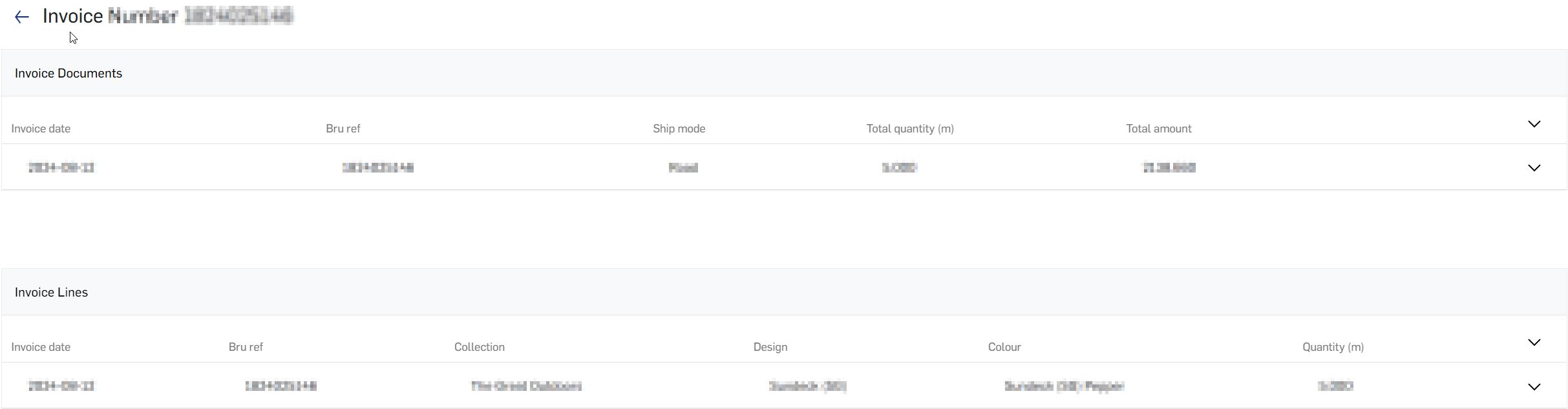
You can view more details for each line by clicking on the respective line or the expand arrow on the right. Once expanded, you can click to review your invoice document.